The image-only map
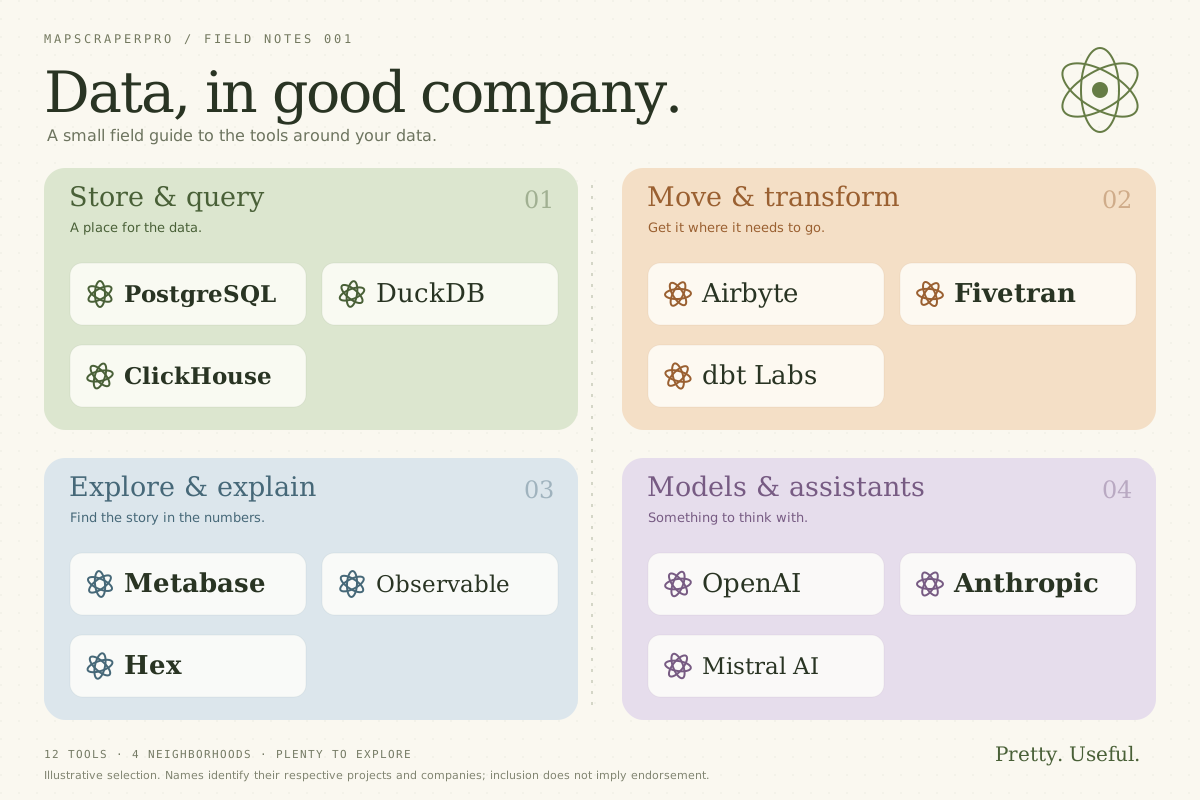 You can look.
That’s about it.
All dressed up.
Nowhere to click.
Beautiful layout. Tiny names. Every company lookup becomes another browser tab and a guessing game.
Pretty. Useful. Finally.
Make the logos clickable, the companies searchable, and the whole map easy to share. Keep the design that made it worth looking at.
Public demo. No account needed. New accounts are opening soon.
A map should take
you somewhere.
01 / Evidence, not a sales pitch
Search for a company. Choose a result to find it. Click its name to visit its website.
An original demo with real website links. Enable JavaScript to search and explore, or open the full demo.
Drag to pan. Use +/− to zoom. Choose Explore map to use the wheel; Esc returns you to the page. An illustrative selection, not an exhaustive market taxonomy or an endorsement.
02 / An unnecessary compromise
You can look.Beautiful layout. Tiny names. Every company lookup becomes another browser tab and a guessing game.
You gained search and links. Your carefully composed map became rows, filters, and dropdowns.
Try the working map Keep the composition, colors, and names. Add search, website links, and a map people can explore.
Illustrative formats using the same sample data. No competitor rankings, just a familiar design problem.
03 / A picture, with possibilities
A linked company name opens its website. A small feature. A surprisingly large improvement over a picture.
Search names, websites, and categories. Jump to the matching annotation instead of squinting at the whole market.
Embed the map in an article, report, or website. Readers can search, zoom, and click without creating an account.
Your layout is the map. We add the useful parts around it, so the result still looks like yours.
04 / From artwork to working map
Upload a public market map you want people to explore. It stays unpublished until you click Publish.
Draw around a logo. Add its name and website. Pan, zoom, and edit with familiar canvas controls.
Publish a short link or copy an iframe into your website. Update the published version when you’re ready.
05 / A useful starting point
Manual maps
Freewhen account access opens
Upload your maps and annotate them for free. Publishing new links is temporarily paused.
Public demo. No account needed. New accounts are opening soon.
AI assistance · coming next
$5for 50 credits · planned price
Get help reading labels and matching logos to companies and websites. Review suggestions before publishing.
Credit purchases aren’t open yet. Manual editing stays free. We’ll show an estimate and maximum before each paid action.
Try the free demoMade for public market maps. Need private use? Contact us.
06 / Fair questions
The original image remains the canvas. Search and clickable annotations add functionality while preserving its layout, colors, and typography.
No. Manual annotation is free. You can add and correct names, categories, and websites yourself. Paid AI assistance is still being prepared.
Reference lists are being prepared for account access. A list of websites can supply useful context; names, aliases, and categories are optional. The list is excluded from the published viewer. This feature is not open yet.
Yes. Published maps support searches by company, website, and category, plus zooming and website links. Visitors don’t need an account. Linked websites open in a new tab.
No. Your upload starts as an unpublished draft. Click Publish to make that version public to anyone with the link. Later edits stay unpublished until you publish an update, and you can revoke the link.
MapScraperPro is built for public market maps. For private or confidential work, contact us before uploading.
PNG, JPEG, WebP, or single-frame GIF images, up to 20 MiB and 50 megapixels. For a PDF, export the page as an image first. Animated images aren’t supported.
New accounts are not open yet. You can try the full demo without an account. Existing account holders can log in.
The end of the picture. The start of the map.
Keep it beautiful. Make it searchable.
Give every linked logo somewhere to go.
Public demo. No account needed. New accounts are opening soon.